MILI
MILI MiTag Duo Item Finder with Leather Keychain Included (iOS or Android Compatible) (Black)
MILI MiTag Duo Item Finder with Leather Keychain Included (iOS or Android Compatible) (Black)
Couldn't load pickup availability
Apple & Google Certified Smart Tracker
Find Keys, Luggage and Essentials from Your Phone
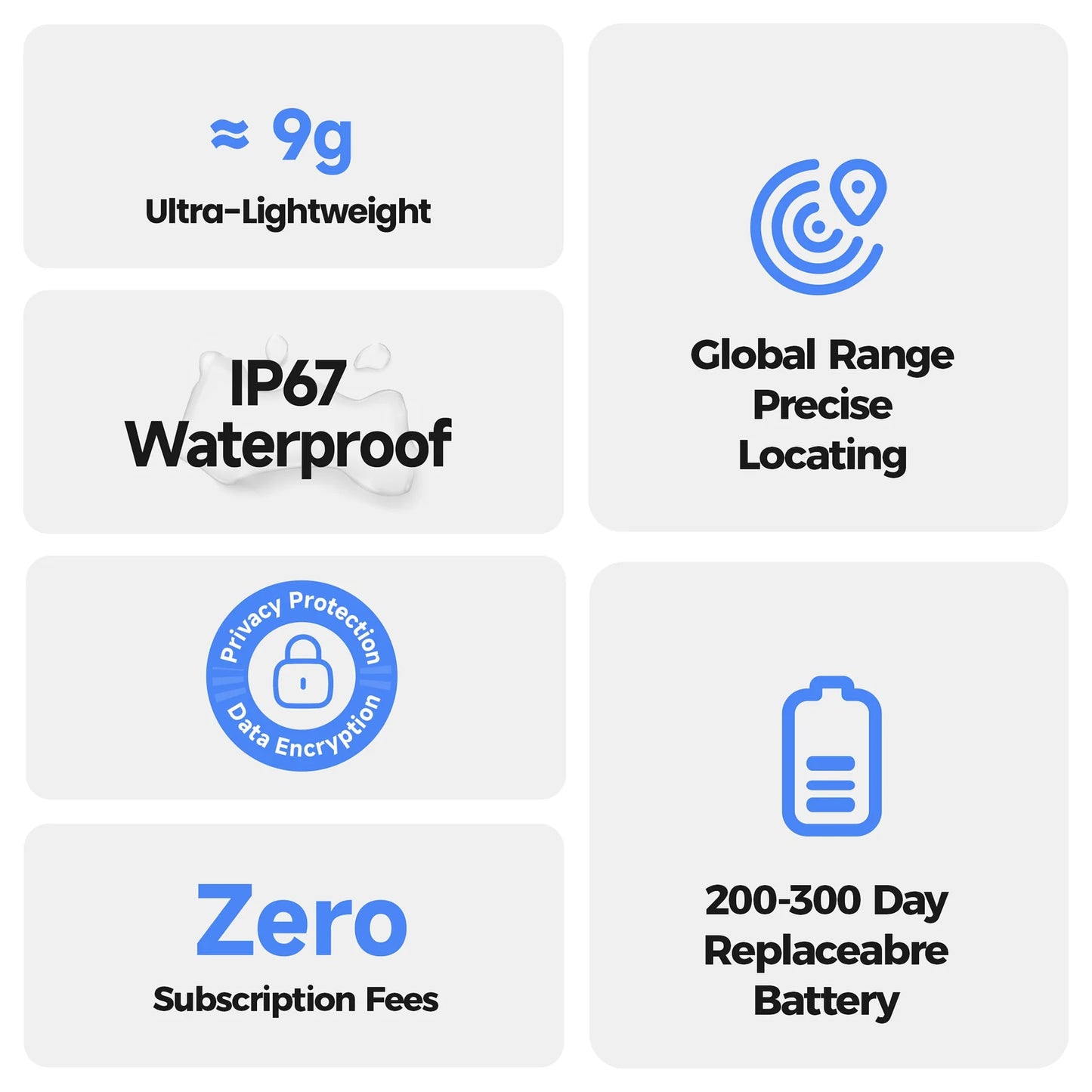
No Subscription
DURABILITY
Working Temperature: -20~60℃
Waterproofness: IP67 Waterproof
DESIGN
Materials: PC+ABS
Product Weight (g): 9.5
Product Dimensions (LxHxW)(mm): 38 * 38 * 9
Case Weight (g): 33
Case Dimensions (LxHxW)(mm): 90 * 90 * 19
BATTERY
Battery Hours: 8-12 Months
Charging Time: not support charging
Battery Type: lithium_manganese_dioxide
Voltage: 2.6v~3.6v
Power Consumption: 9.5mA max @adv, 22uA avg @paired
CONNECTIVITY
Bluetooth Version: BLE 5.2
Certifications: FCC ID, CE, ROHS, UKCA, PSE, CB
Compatible With: Compatible with Android 9 or Above or all iOS Devices
Physical Connections: press button one time to power on
Transmission Distance: 80-100m (open environment)
BLE Transmit Power: +4dBm
APP Interface: iOS (Apple Find My) or Android (Google Find Hub)
DIMENSIONS
Product weight (g): 9.5
Case Dimensions (LxHxW) (mm): 90 * 90 * 90


Never Lose Track
MiTag Duo is a dual-system smart tracker for your keys, bags, luggage, and everyday essentials. Get leave-behind alerts and locate your items from your phone, so you never worry about leaving something behind.
 Works with Your Phone
MiTag Duo works with both Apple Find My and Google Find Hub, so you can track your essentials with the phone you already use.
Built for Everyday Life
Rainy rides, crowded airports, coffee shop stops - MiLi is designed for everyday moments with IP67 water resistance and a replaceable battery built to last longer.

Alerts Before You Forget
Forgot your backpack at a cafe? Left your luggage behind at the airport? MiLi reminds you before small mistakes turn into stressful moments.
 ng behind.

How to use - Android Devices

Make sure your phone's Bluetooth and network are turned on.

Press the button once to turn on MiTag Duo (a beep will sound).
Close to your Android device, pop-up to show MiTag Duo, Tap "Connect" to complete the pairing. (Note: If no pop-up appears, please restart your phone and try again).

In the "Google Find Hub" app, select "MiTag Duo" to customize the device name and Category.
How to use - iOS Devices

Press the button once to turn on MiTag Duo (a beep will sound).
Turn on Bluetooth and the location feature. Open the Find My app.

Tap on Items > Add Item > Other Supported Items.
Press the button on the device once and click Connect when you hear the tone.